SEO Basics Every Small Business Should Know
Having a product or service is one part of running a successful small business. It is important to make your business easy for potential customers to find online, especially when they are searching for the products or services you provide.
Whether you run a café, salon, clothing store, restaurant, local shop, or service–based business, having a presence can help you connect with potential customers. This is where SEO basics every small business should know become useful.
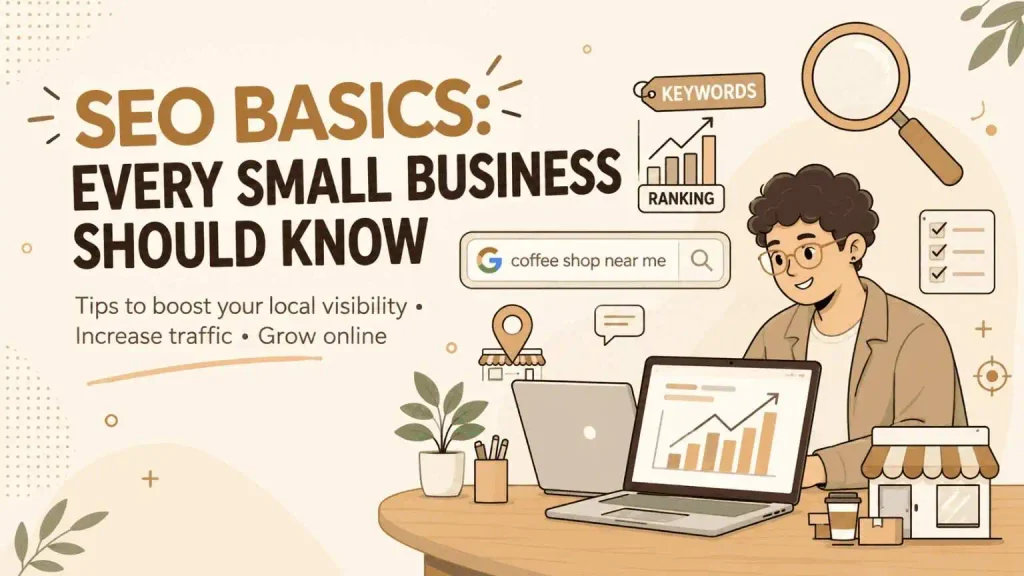
SEO, also known as Search Engine Optimization, is the process of enhancing a website and its online presence to help search engines recognize its content and make it easier for potential customers to discover and access products, services, and information that suit their individual needs.
SEO may sound technical at first. However, beginners are not required to master every aspect from the beginning. Understanding a few principles and applying them consistently can help create a stronger website.
What Is SEO?
SEO focuses on making a website clearer and more accessible, allowing search platforms to interpret its pages while helping users quickly locate relevant and helpful content.
For example, suppose someone searches for “bakery near me.” A local bakery with website information, accurate business details, relevant content, and a properly maintained online presence may have an opportunity to appear in related search results.
Search engines rely on automated technologies to find, analyze, and categorize web pages. Various factors determine which pages appear in response to a user’s search query.
SEO is not simply about adding keywords to a webpage. Effective SEO involves developing a website that provides valuable content, is easy to navigate, remains accessible to users, and meets the needs of its target audience.
Why Is SEO Important for Businesses?
Compared to large companies, small businesses often operate with tighter advertising budgets. Organic search offers an alternative way to connect with potential customers who are actively seeking relevant products or services online.
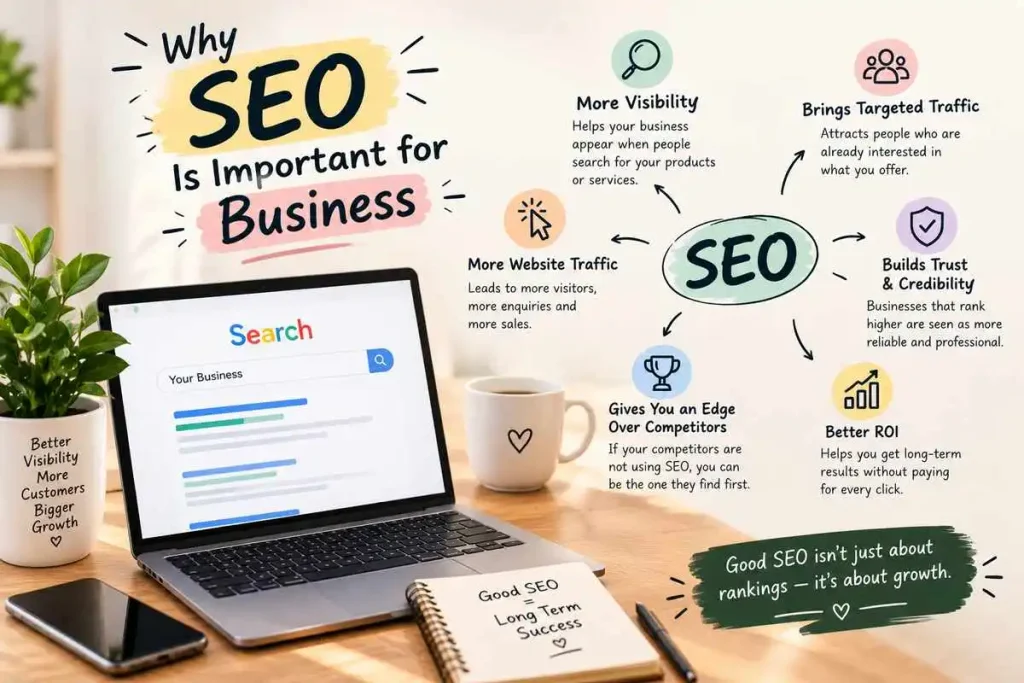
1. It Helps People Discover Your Business
Many consumers rely on search engines to research their options before choosing a store, restaurant, booking service, or product. A strong presence in search results can help your business reach new audiences and attract people who may not have known about it before.
2. It Can Attract Relevant Visitors
SEO helps attract visitors who are actively looking for products, services, or information relevant to your business.
For instance, a person searching online for “women’s clothing boutiques in Thrissur” may already be looking for a nearby store that sells women’s apparel. Well-crafted and relevant website content enables visitors to gain a clear understanding of your business’s products, services, and offerings.
3. It Can Strengthen Your Online Presence
A clearly structured website helps visitors learn about your business and its offerings. Including comprehensive service descriptions, correct contact details, relevant content, and current business information allows potential customers to find what they need easily and make confident choices.
4. It Is Useful for Local Businesses
Businesses that depend on customers from an area can benefit from local SEO. People often search for businesses using location, opening hours, services, or nearby terms.
A restaurant, salon, café, clinic, or local store can use SEO to make important information easier for nearby customers to find.
For businesses looking to strengthen their online presence, the best digital marketing expert in Thrissur can help develop effective digital marketing strategies that connect with the right audience.
5. It Can Provide Long-Term Value
Paid advertisements may no longer generate traffic once a campaign comes to an end, whereas valuable SEO content can continue attracting visitors from search engines over time.
However, SEO does not guarantee rankings. Search results can. Websites need regular improvement to remain useful and competitive.
SEO Basics Every Small Business Should Know
SEO covers many areas, but beginners can start by understanding the following fundamentals.
1. Research the Keywords Your Customers Use
Keywords refer to the words and phrases people use in search engines to find relevant information, products, or services online.
A salonZ for example, might discover searches such as:
- Hair salon near me
- Women’s haircut in [location]
- Bridal makeup artist
- Treatment near me
- Hair spa services
The goal is not to collect as many keywords as possible. Instead, choose terms that genuinely match your products, services, audience, and location.
Think about the words your customers would naturally use when searching for your business.
2. Understand Search Intent
Search intent refers to the reason behind a person’s search.
For example, someone searching “what is marketing?” is probably looking for an explanation. Someone searching “marketing course, near me” may be looking for a course or training provider.
Knowing the difference helps you make content that fits what people really want.
Before creating a webpage, ask:
“Consider what the user is actually looking for when they enter that search term and make sure your page provides the information they need.”
Your content should then give an answer.
3. Improve Your On-Page SEO
On-page SEO means changes you make directly to your webpages.
Important elements include:
- Page titles
- Headings
- Content
- URLs
- Images
- Links
- Meta descriptions
Make the main subject of each page clear. Avoid repeating keywords in a way. Search engines and readers should understand the topic without having to read sentences.
4. Create Useful and Original Content
Content should be made mainly to help your audience.
For example, a local restaurant could publish articles about:
- Dishes to try
- Choosing a restaurant for a family gathering
- Tips for planning events
- Local food recommendations
Content gives a business a chance to answer customer questions and show knowledge about its products or services.
Create articles to provide meaningful information rather than simply inserting keywords. Content that answers readers’ questions and offers genuine value is more effective than writing that repeatedly uses the same phrases.
5. Write Clear Page Titles and Meta Descriptions
A page title shows users and search engines what a webpage contains.
For example:
Less descriptive:
“Services”
Descriptive:
“Professional Bridal Makeup Services in Thrissur”
A meta description gives a short summary of the webpage. Writing a relevant description can help users see what they may find before they visit the page.
6. Use Clear Headings
Headings make online content easier to read and scan.
Use a main heading and organize supporting sections with H2 and H3 headings when needed.
Instead of putting all information in one big paragraph, split it into logical sections. This helps users locate the information they are looking for quickly and easily.
7. Optimize Your Images
Images can make a website more attractive. They must also be handled properly.
Use file names when it makes sense. For example of a generic name like IMG1234.jpg, an image of a red floral dress could use a descriptive name such as red-floral-dress-boutique.jpg.
Alt text can also describe images for accessibility. It should describe the image naturally, not just repeat keywords.
Large image files can slow loading, so reducing image file sizes can help.
8. Make Your Website Mobile-Friendly
Many visitors may access your website through smartphones.
A website that works well on a desktop but is hard to use on a screen can cause frustration.
Check whether visitors can easily:
- Read the text
- Tap buttons
- Menus
- Complete forms
- Find contact information
- Navigate between pages
A mobile experience should be part of your overall website strategy.
9. Pay Attention to Technical SEO
SEO may sound complicated, but small business owners can understand some basic areas.
These include:
- Website loading performance
- Mobile usability
- HTTPS security
- Pages
- Broken links
- Redirects
- Website structure
Some technical problems may need coding or server changes. In those cases, working with a developer can be more practical than trying to fix everything yourself.
10. Don’t Ignore SEO
If your business serves customers in a specific area, local SEO deserves attention.
Make sure important business information such as your name, address, phone number, opening hours and services is accurate wherever your business appears online.
You should also. Maintain a Google Business Profile. Keep the information updated and add photographs, services, and other useful details.
For example, a local café can make it easier for customers to find its location, opening hours, contact information, menu, and website.
11. Build Relevant Backlinks
A backlink is a link from another website to your website.
Instead of trying to collect hundreds of random links, businesses should focus on earning relevant and trustworthy mentions.
For example, a local boutique might be mentioned by a fashion website. A restaurant could receive a link from a food publication.
The focus should be on relevance and real value, not merely raising the count of backlinks.
Common SEO Errors Small Businesses Should Steer Clear Of
Knowing what to avoid can make SEO work better.
Some common mistakes include:
- Repeating keywords many times
- Copying content from sites
- Publishing content that offers value
- Ignoring visitors using devices
- Using titles that’re unclear or misleading
- Buying backlinks
- Leaving business information online
- Making content that does not match customer needs
- Expecting results away
- Ignoring website performance
Another common mistake is treating SEO as a one-time job. Search visibility can change over time so reviewing and improving the website regularly is important.
Simple SEO Checklist for Small Businesses
If you are new to SEO start with these steps:
- Identify useful keywords
- Understand what users expect from those searches
- Improve important page titles
- Organize content with clear headings
- Publish original and helpful content
- Use image descriptions where needed
- Improve website loading speed
- Check mobile usability
- Find and fix broken links
- Create or update your Google Business Profile
- Keep business information accurate
- Add relevant internal links
- Look for backlink opportunities
- Review website performance regularly
You do not have to finish everything at the same time. Start with your important pages and then improve the rest slowly.
Frequently Asked Questions
Is SEO important for a business?
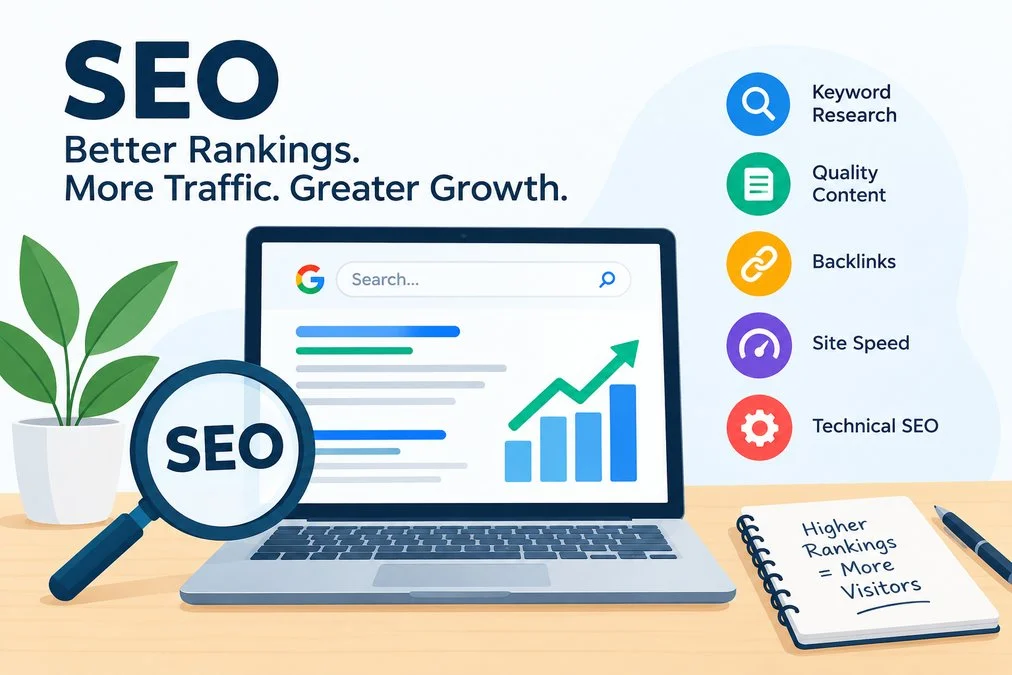
SEO helps your business website reach potential customers by improving its visibility when people search online for related products, services, or information.
How long does SEO take to work?
There is no fixed timeline. Results depend on competition, industry, location, website quality, content, and the SEO work being done. SEO is usually a continuing process, not a marketing trick.
Can I do SEO myself?
Small business owners can learn and apply fundamental SEO techniques themselves without needing advanced technical knowledge. These practices include researching keywords, improving page titles, creating content, adding internal links, and keeping business information updated.
Complicated technical issues may need professional help.
What is SEO?
Local SEO helps businesses improve their visibility in search results for people looking for products or services within a specific location. It can be useful for restaurants, salons, cafés, boutiques, clinics and other businesses that serve customers.
What Are the First SEO Priorities for a Small Business?
Start with the basics. Understand your customers, identify searches, create useful website content, improve important pages, make the website mobile-friendly, and keep local business information accurate.